If you've ever needed to size up a private company before a sales call, a partner meeting, or an investment decision, you know the routine. Check the website. Then LinkedIn. Then a news search, then a funding database, and then stitch it all together yourself. Every new company means doing it all over again.
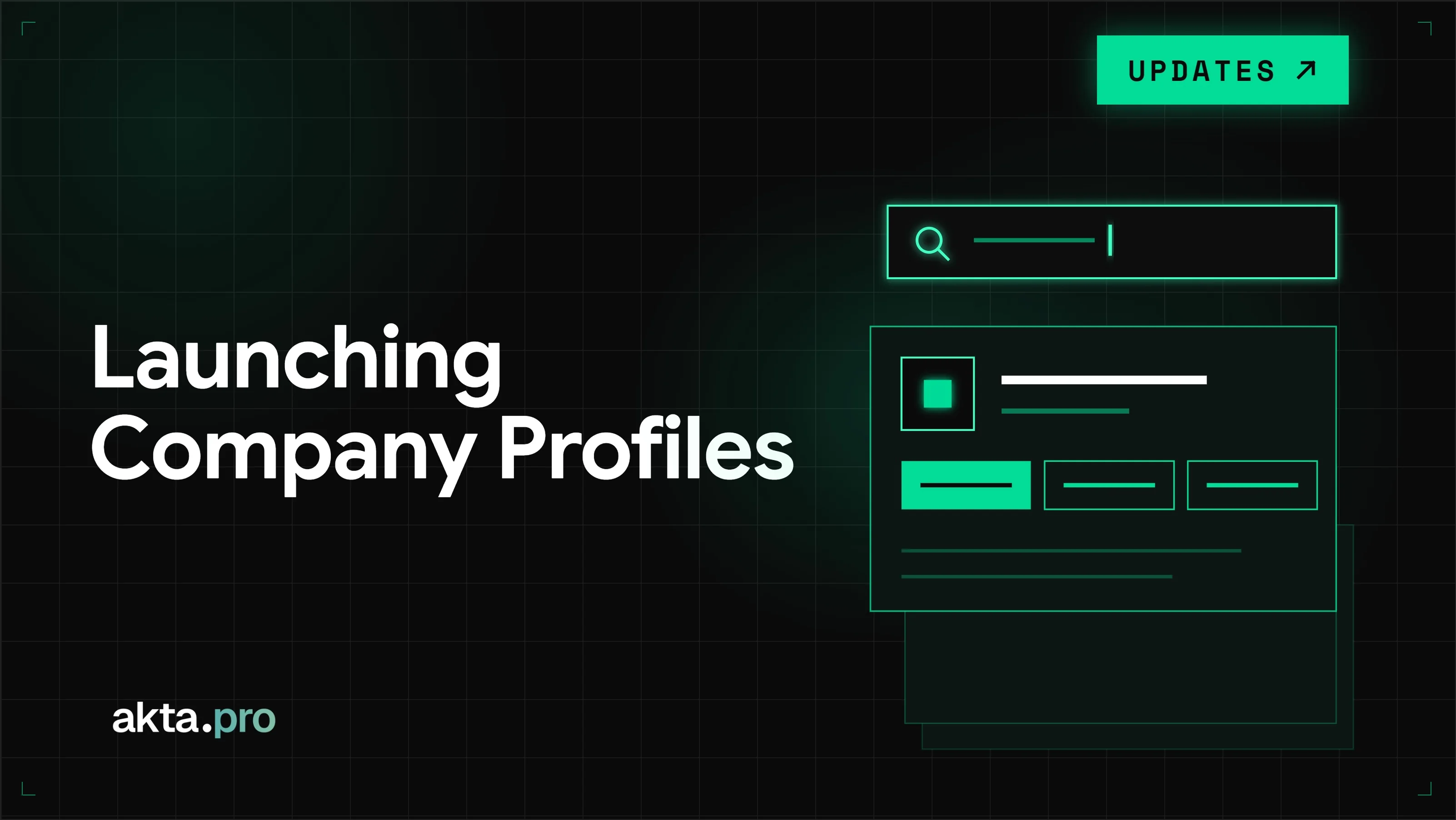
Company Profiles puts that in one place. Type a company name at akta.pro/company-profiles and you get a single, easy-to-read profile: what the company does, how it makes money, who it sells to, who it competes with, and more. It covers 20M+ private companies worldwide, and every profile is free to preview.
No code needed. Just search the company.
Search any private company, free
Type any company name into the search bar at akta.pro/company-profiles and pull up a structured profile instantly. Every profile is free to preview. The same data is available programmatically via the Company Data API and through akta.pro's MCP connector for AI agents.
The dataset covers 20M+ companies worldwide. Each company is entity-resolved, meaning every record maps cleanly to a single, deduplicated entity regardless of how the company name appears across sources. That resolution layer is what makes the data usable at scale for enrichment, screening, and agent-driven research workflows.
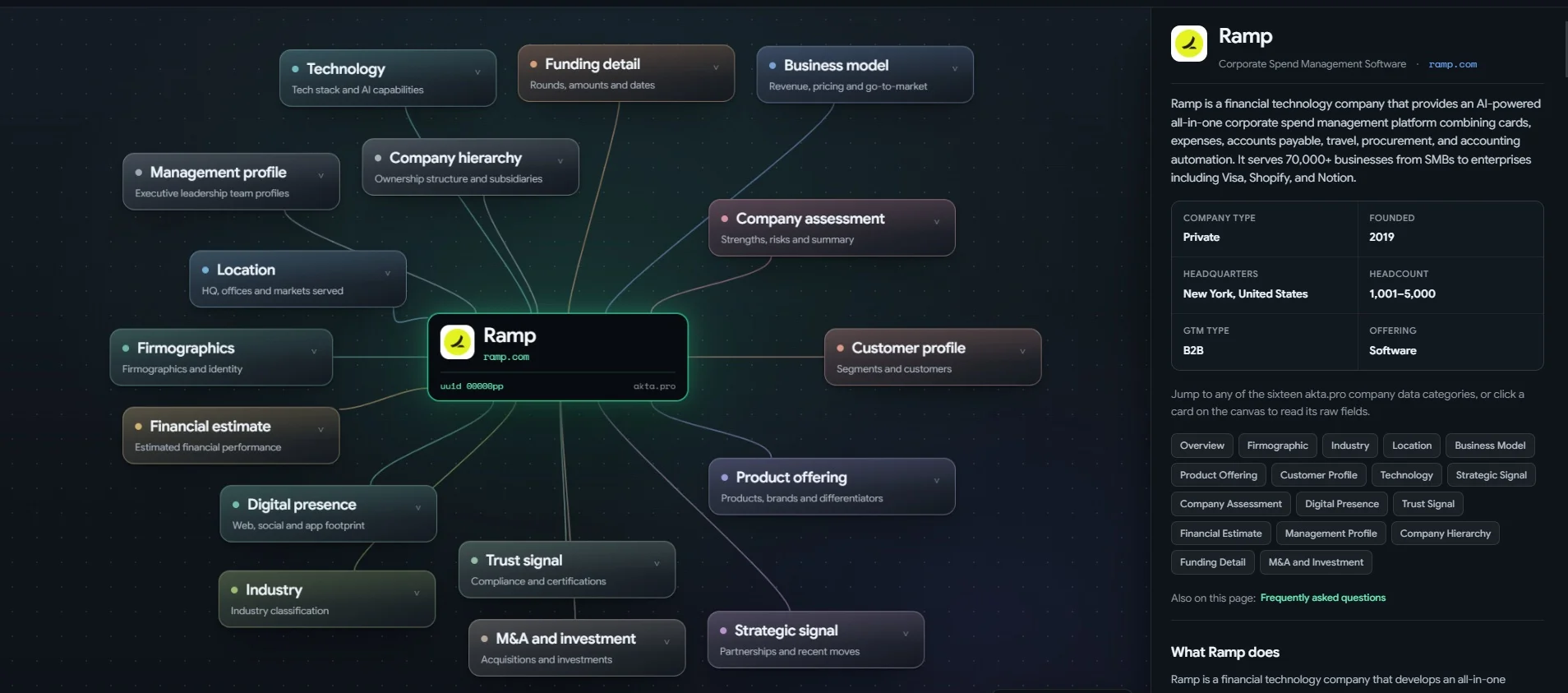
To see what a profile looks like, open the sample profile for Ramp.
What each profile covers
Every profile is organized into 16 sections. They start with the basics, like who the company is and where it operates, and go on to the questions you'd actually ask about it: how it makes money, what it sells, who its customers are, how it's funded, and what it's been doing lately. In total, that's 74 data fields per company.
| Category | Fields | What it covers |
|---|---|---|
| Firmographics | 11 | Legal name, website, founded year, operating status, headcount, and core identity |
| Business model | 8 | GTM type, revenue model, pricing structure, and distribution channels |
| Company assessment | 8 | Narrative read on strengths, weaknesses, opportunities, and risks |
| Product offering | 8 | Brands, differentiators, functional benefits, and quantifiable outcomes |
| Technology | 8 | Tech stack, integrations, AI capability, and maturity |
| Strategic signal | 5 | Partnerships, recent moves, scale indicators, and leadership changes |
| Industry | 5 | Primary and sub-industry, NAICS and SIC codes |
| Trust signal | 4 | Compliance certifications, regulatory updates, and awards |
| Customer profile | 3 | Target segments and named customers |
| Location | 3 | Headquarters, office locations, and markets served |
| Funding detail | 3 | Rounds, amounts, and dates |
| Financial estimate | 2 | Modeled revenue, growth rate, valuation, and profitability |
| Management profile | 2 | CEO, founders, executives, board members, and tenure |
| M&A and investment | 2 | Acquisitions made, investments made, and acquirers |
| Digital presence | 1 | Web traffic, social profiles, app listings, and SEO standing |
| Company hierarchy | 1 | Parent and subsidiary relationships |
For teams doing deal screening or account research, the full profile gives you the same structured depth you'd expect from a public company data source, applied to private companies at every stage.
How people use Company Profiles
Most company research starts with a question. Here's where in a profile to find the answer.
Preparing for a sales call. What does this company do, who does it sell to, and what has it been up to lately? Start with Business model, Customer profile, and Strategic signal.
Sizing up a competitor. What do they sell, how do they price and go to market, and what's under the hood? Check Product offering, Business model, and Technology.
Screening an investment or acquisition target. How much have they raised, how big are they likely to be, and have they bought anyone? Look at Funding detail, Financial estimate, and M&A and investment.
Vetting a vendor or partner. Are they compliant, who owns them, and who runs the company? See Trust signal, Company hierarchy, and Management profile.
Mapping a market. Which industry does a company sit in, and which segments does it serve? Use Industry and Customer profile, then ask your AI agent for its closest peers.
The same data, in your AI agent or your own tools
Company Profiles is the easiest way to read akta.pro data, but it isn't the only one.
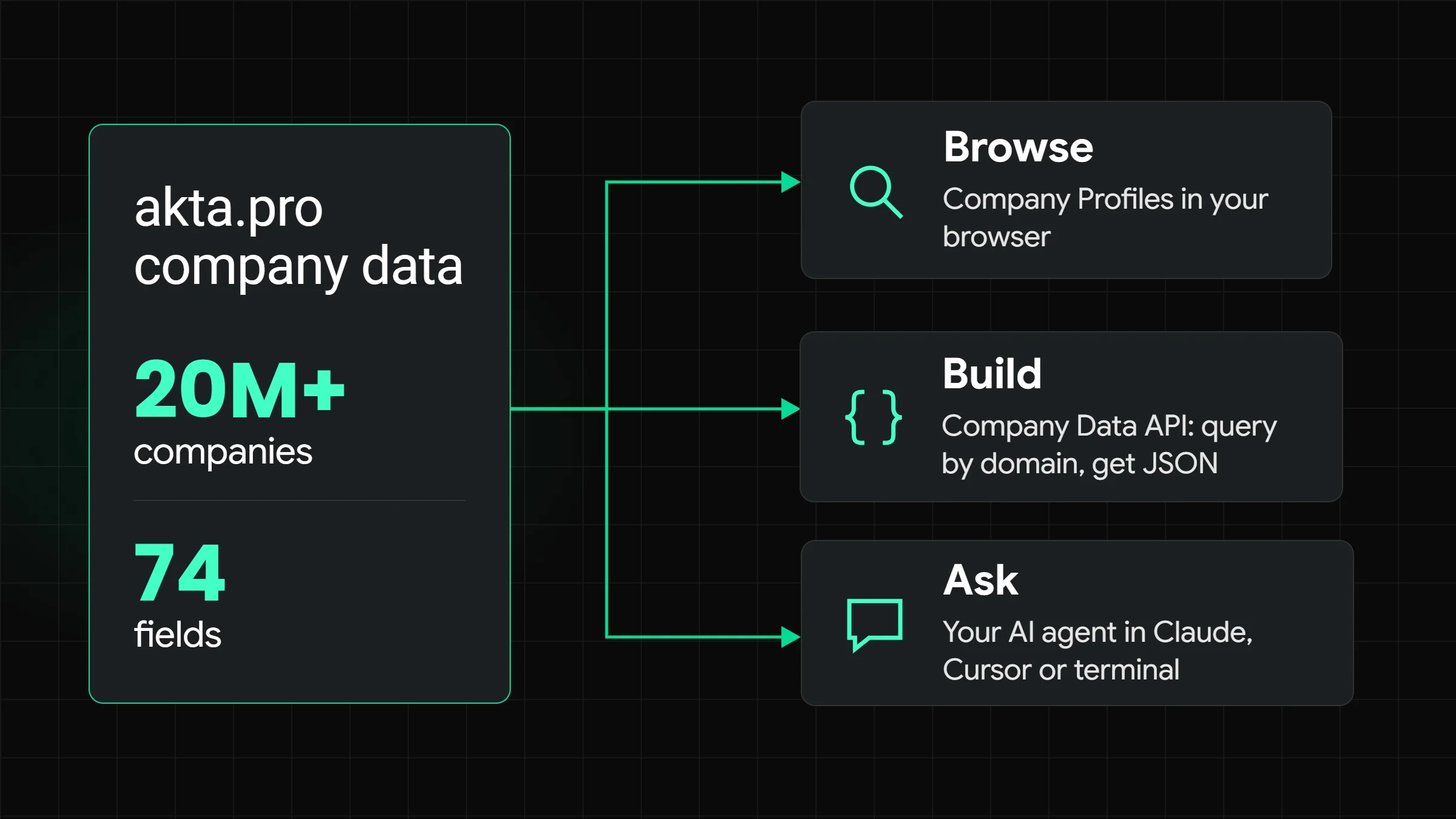
The same dataset reaches you three ways: read it yourself in Company Profiles, ask your AI agent in Claude, Cursor or your terminal, or pull it into your own tools through the Company Data API.
Ask your AI agent. Plug akta.pro into Claude, Cursor or your terminal and ask in plain language. Ask "Who are Ramp's closest peers?" and your agent calls akta.pro to return peers ranked by segment and GTM overlap. Connect akta.pro to your AI agent.
Build with the API. If your team builds its own tools, the Company Data API lets you query any company by domain and get structured JSON back. Get an API key or read the API docs.
FAQ
What is akta.pro Company Profiles?
A free, searchable directory of private company profiles. Search any company by name and preview its akta.pro profile, including firmographics, business model, customers, competitors and more.
What data is in a profile?
74 data fields across 16 categories, including firmographics, business model, product offering, technology, customer profile, funding detail, financial estimate, and management profile. The full list is in the Data Dictionary.
Do I need to know how to code?
No. Type a company name into the search bar and open its profile. The API and AI agent access are optional, for teams that want the same data in their own tools.
Can I use this data in my AI agent?
Yes. akta.pro plugs into Claude, Cursor or your terminal, so your agent can look up companies for you.
Try it
Company Profiles is live and free to search. Start at akta.pro/company-profiles or sign up at playground.akta.pro for API access and an MCP key.
The full data dictionary for the Company Data API is available at docs.akta.pro.